ioki Route User Manual
Overview
Import
Stations & Stop Points
Lines & Routes
Route Segments
Warnings
Connect Device
ioki Route App
Live Map & Vehicles
Timetable
Release Notes
ioki Route App
Guide for Downloading and Setting Up the ioki Route App and Starting Navigation
Download ioki Route App
- The ioki Route app can be downloaded from the official Google Play Store.
- Oldest supported Android version: v10
- The app supports both smartphone and tablet formats.
Start navigation
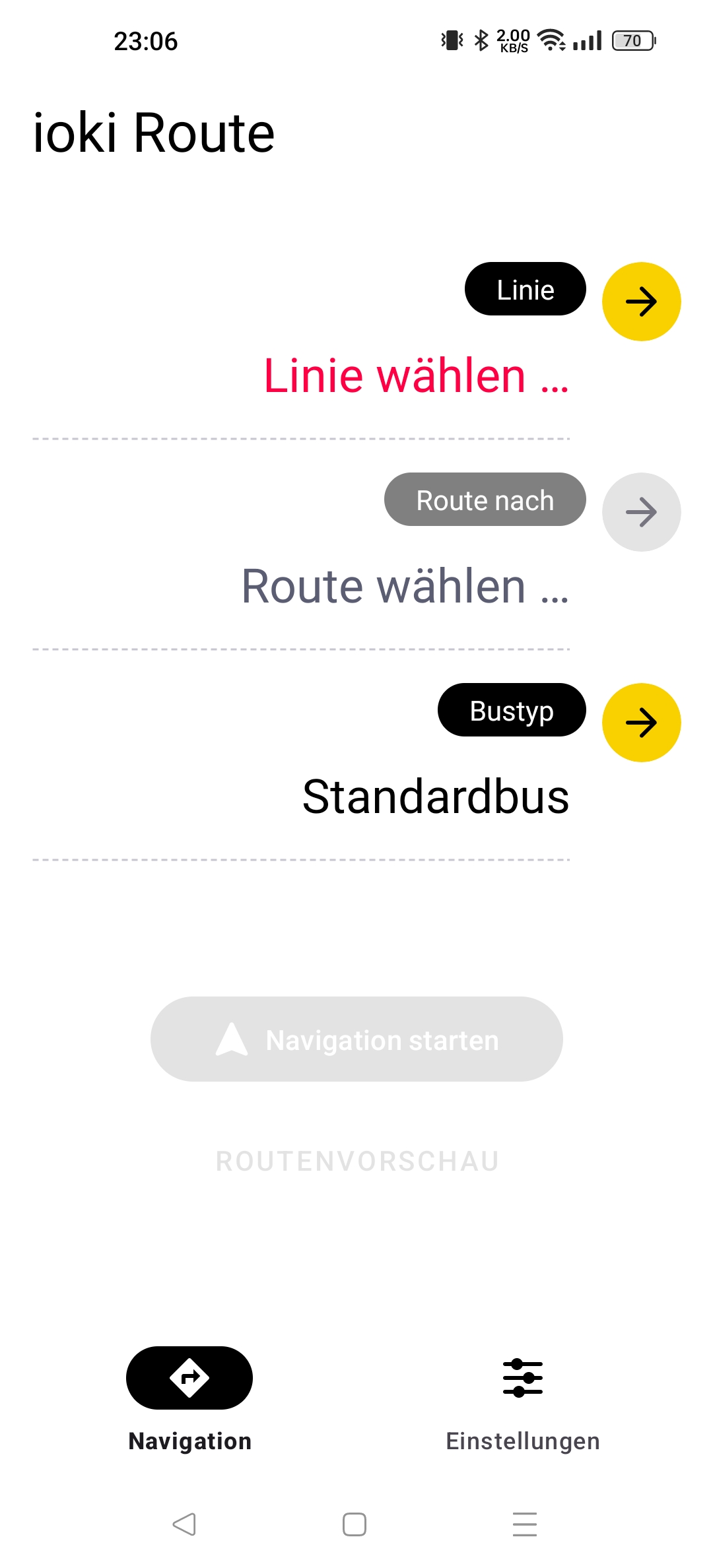
- After connecting the app (see here), the start screen will appear when opening the app.
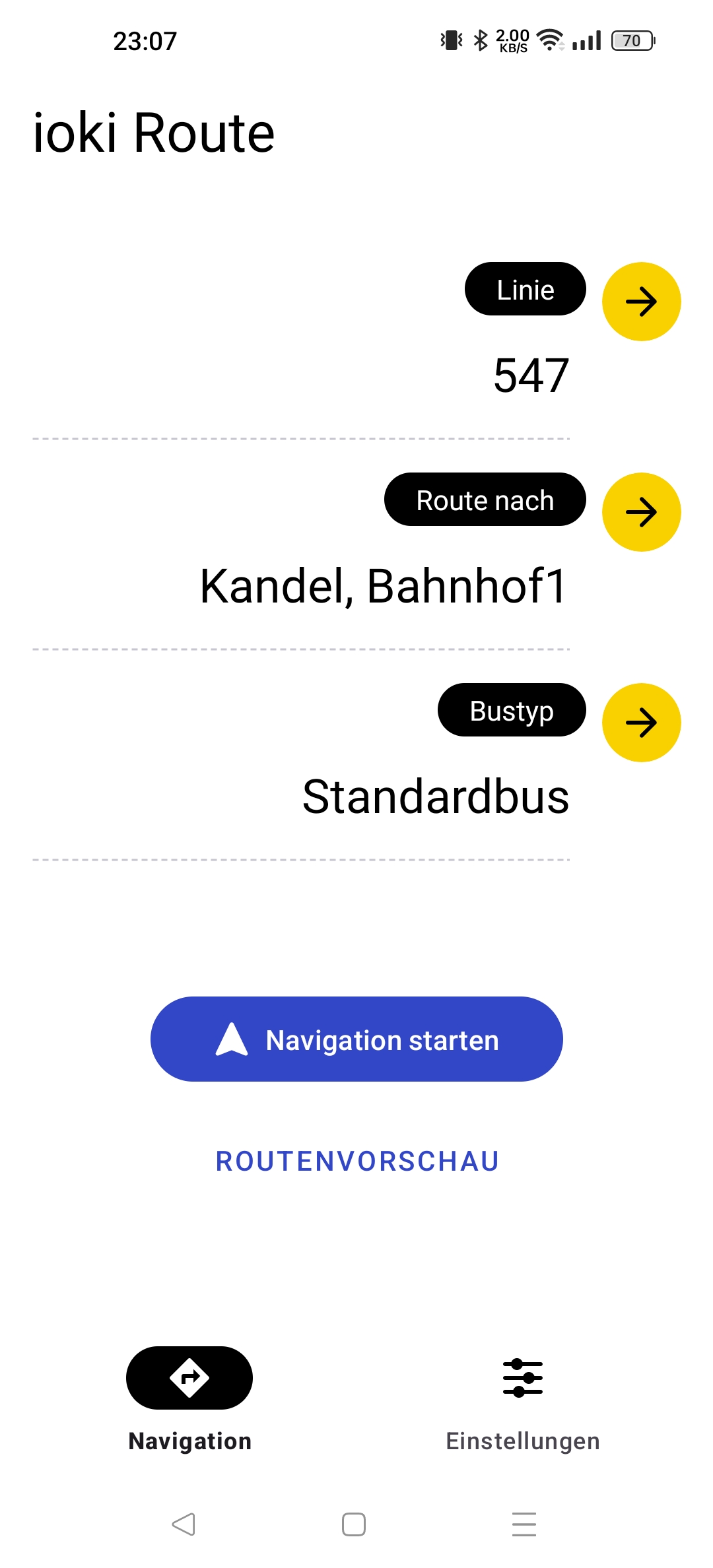
- Here you select the desired line and route.
- If warnings are activated, the selection of the bus type will be displayed. The standard bus is preselected here.
- Tap the “Start Navigation” button to begin navigation. If the driver is still too far away from the route, an error message will appear.
- The “Route Preview” button allows you to simulate the navigation. This can be used, for example, to learn the route in advance.
App Settings
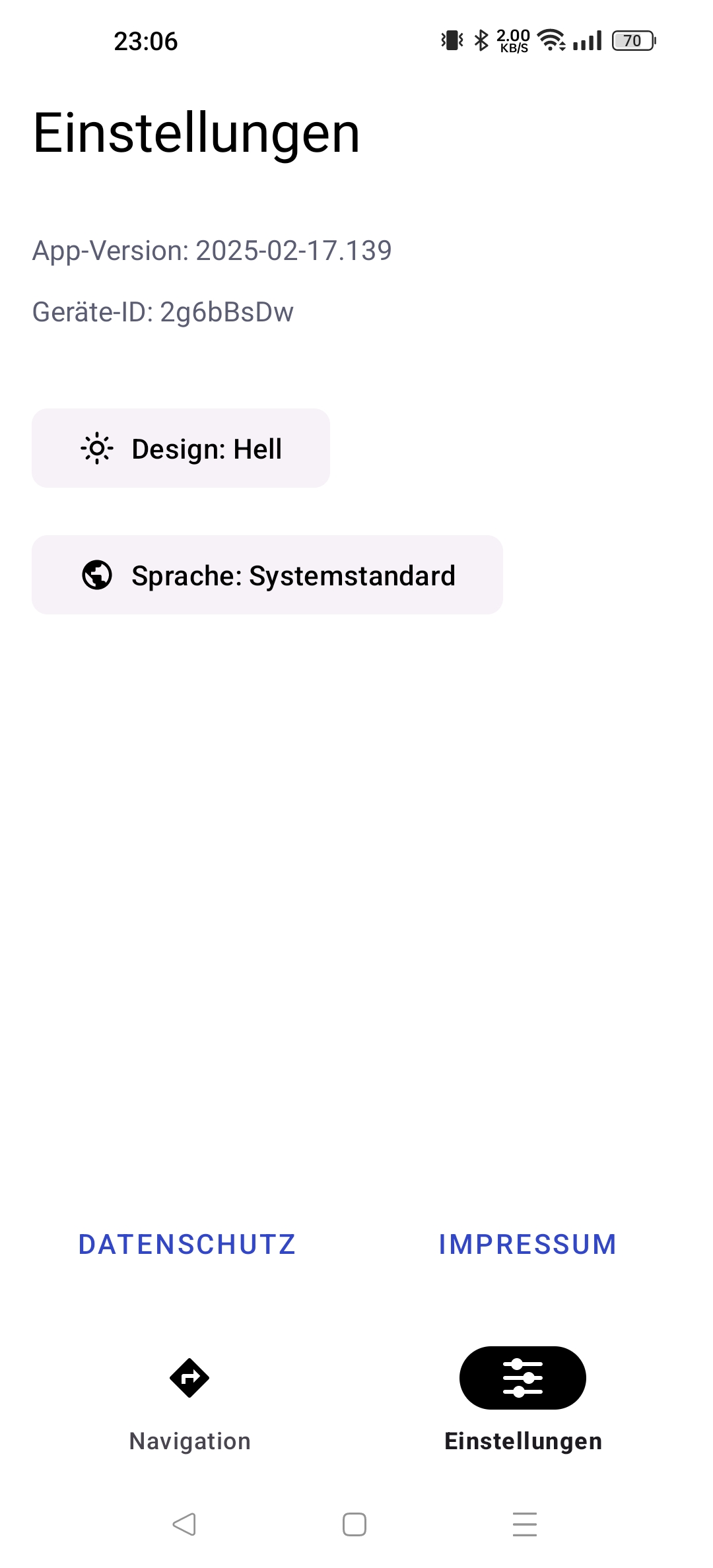
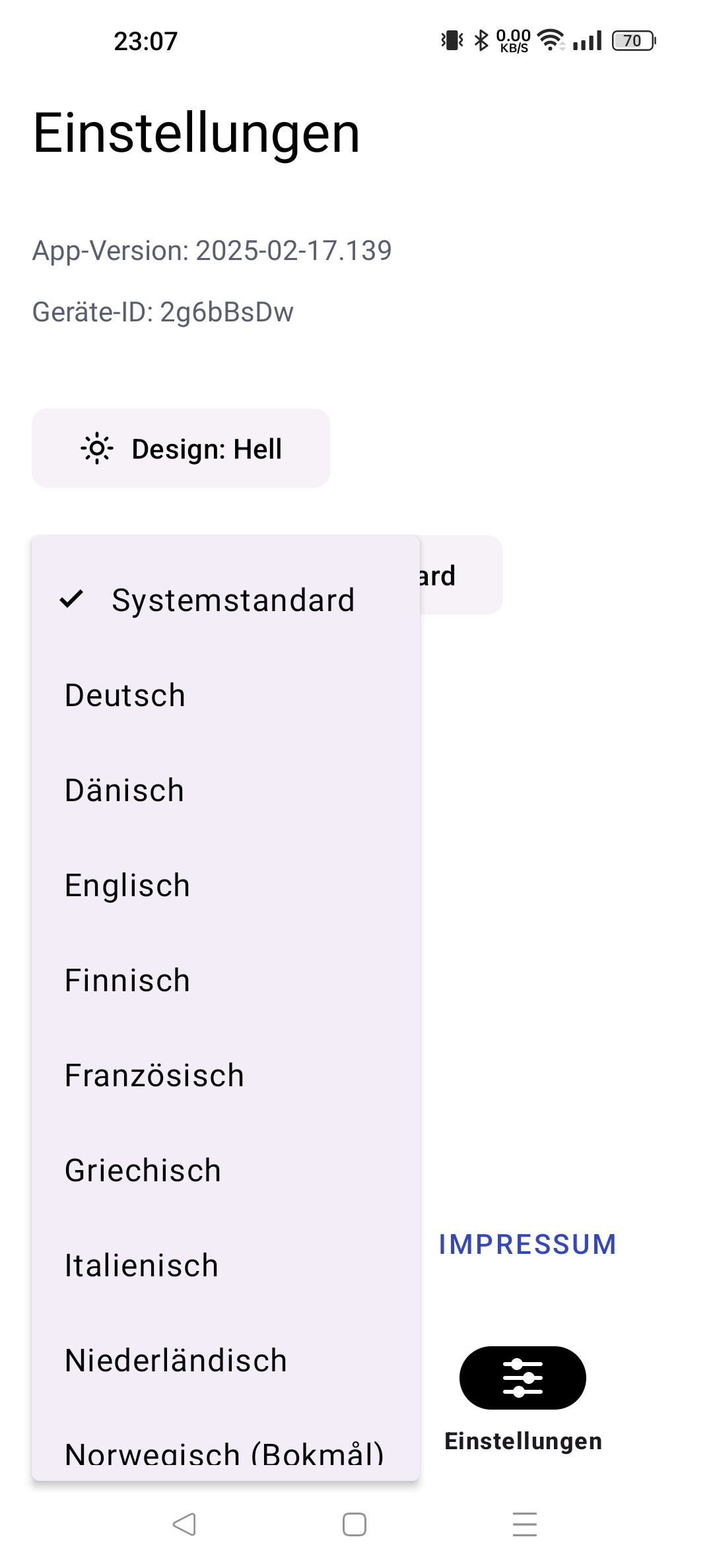
The ‘Settings’ button allows you to change the language and design mode.